
WeShape Walkthrough
A Quick Tour of the WeShape App (With Coach Tyler)
If you’ve been following WeShape and wondering how everything works, you’re in the right place.
Coach Tyler recorded a quick walkthrough to show you exactly what’s inside the app and how the different pieces work together to support your body. From personalized movement routines to live coaching calls and a supportive community, everything is designed to help you move in a way that feels good and sustainable.
Let’s walk through the platform together.
Your Home Page

When you first open the app, you’ll land on the home page.
This page is designed to give you quick access to everything you might want to do that day. From here you can:
See any upcoming live calls
Start a C.O.A.C.H. movement session
Start a stretching session
View your current routines
It’s essentially your central hub where you can quickly jump into whatever type of support you need that day.
But the real heart of the WeShape system lives in the WeMove tab.
The WeMove Tab: Your Personalized Program

At the bottom of the app, you’ll see the WeMove tab. This is where you’ll access C.O.A.C.H., the system that personalizes your routines.
When you open this page, C.O.A.C.H. keeps track of your progress and your program. For example, every 12 sessions the system will prompt you to adjust your program so it continues to match your body and progress.
This ensures your program evolves with you rather than staying static.
When you’re ready to begin, simply tap “Start Moving with C.O.A.C.H.”
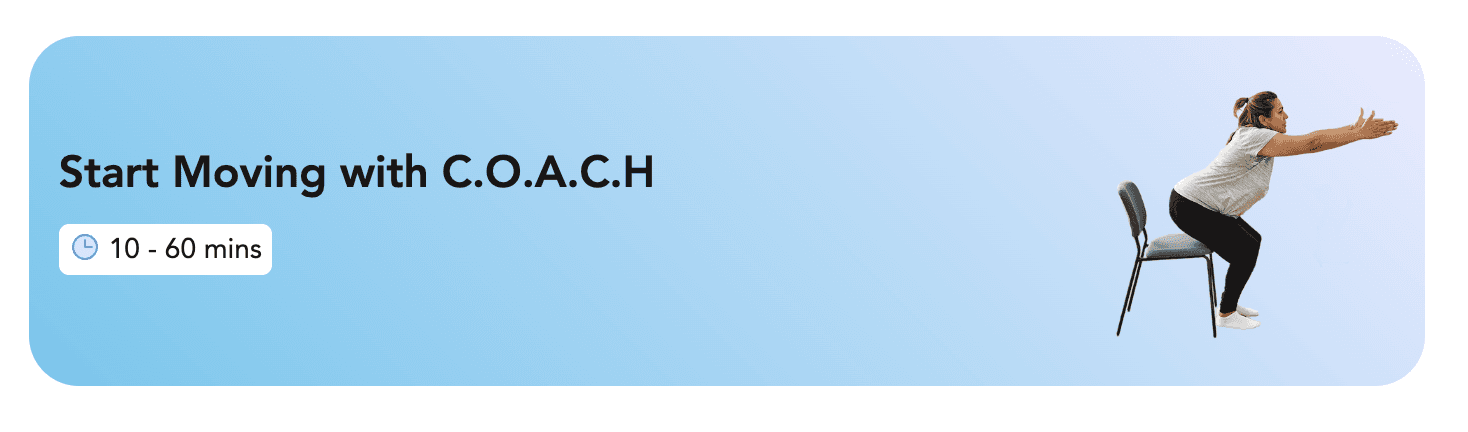
How C.O.A.C.H. Builds Your Daily Routine
Instead of giving you the exact same workout every time, C.O.A.C.H. builds a routine specifically for you that day.

Before creating your session, it will ask a few simple questions like:
How did you sleep last night?
How does your body feel right now?
How much time do you have?
Based on your answers, C.O.A.C.H. creates a personalized routine that fits your energy, recovery, and schedule.
Your session will typically include:
A warm-up
A movement block
A stretching section
You can jump right in by selecting Start Moving, or you can choose Review Routine to look through everything before you begin.
Reviewing and Customizing Your Routine
The Review Routine feature gives you full control over your session.
Here you can see every movement included in your warm-up, workout blocks, and stretches.
The movements shown in Coach Tyler’s example may look advanced because they’re based on his personal profile. Your movements will already be scaled to match your own level.
However, you still have several ways to customize things:
Scale Movements Up or Down
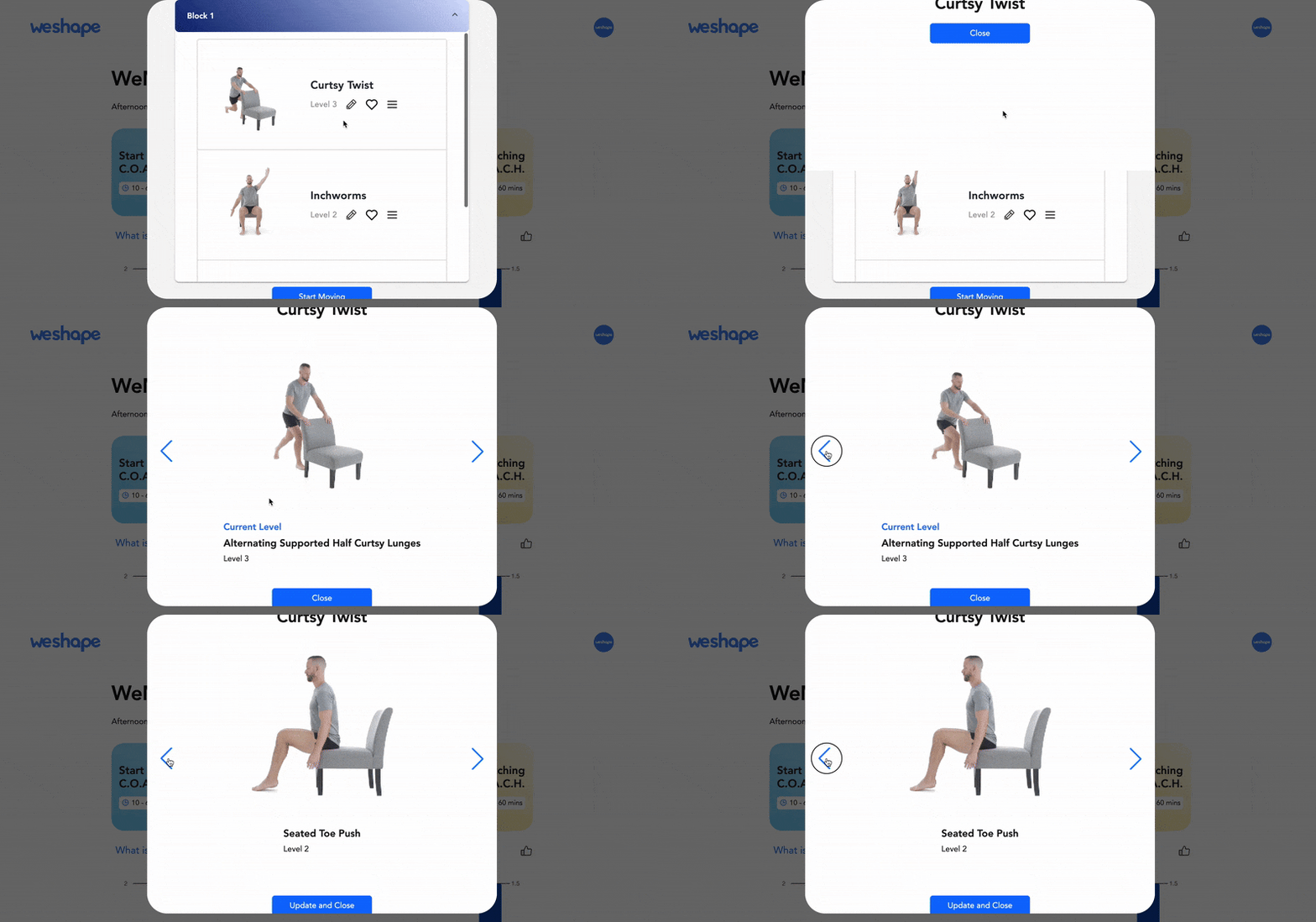
Each movement has multiple levels. If something feels too challenging, you can scale it down to an easier version. If you’re ready for more challenge, you can scale it up.
Favorite Movements You Enjoy
If you find a movement you really like, tap the heart icon. This tells C.O.A.C.H. you enjoy it, and it will appear more often in future routines.
Change the Order
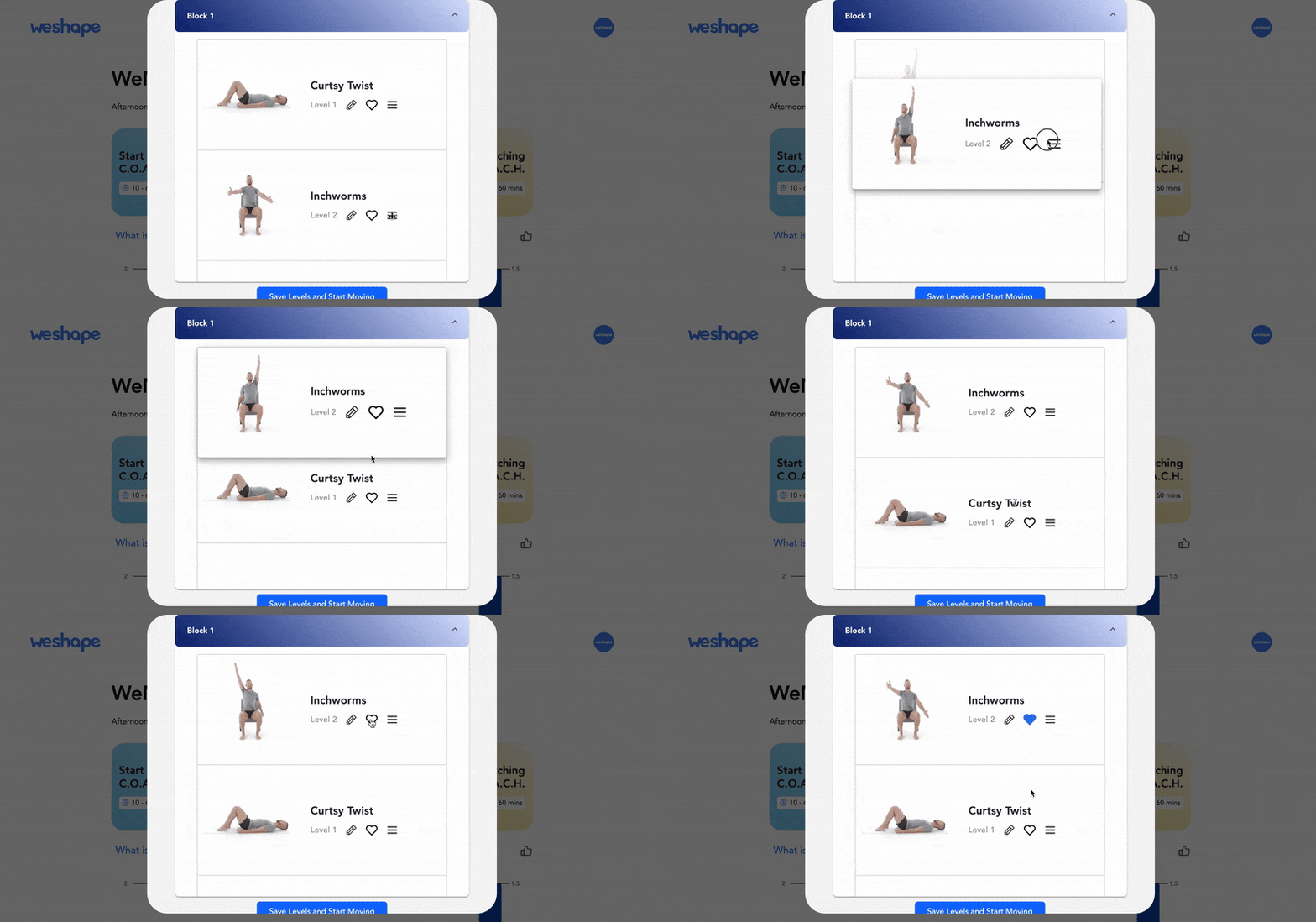
You can also rearrange movements using the up and down arrows if you’d prefer a different order.
Swap a Movement
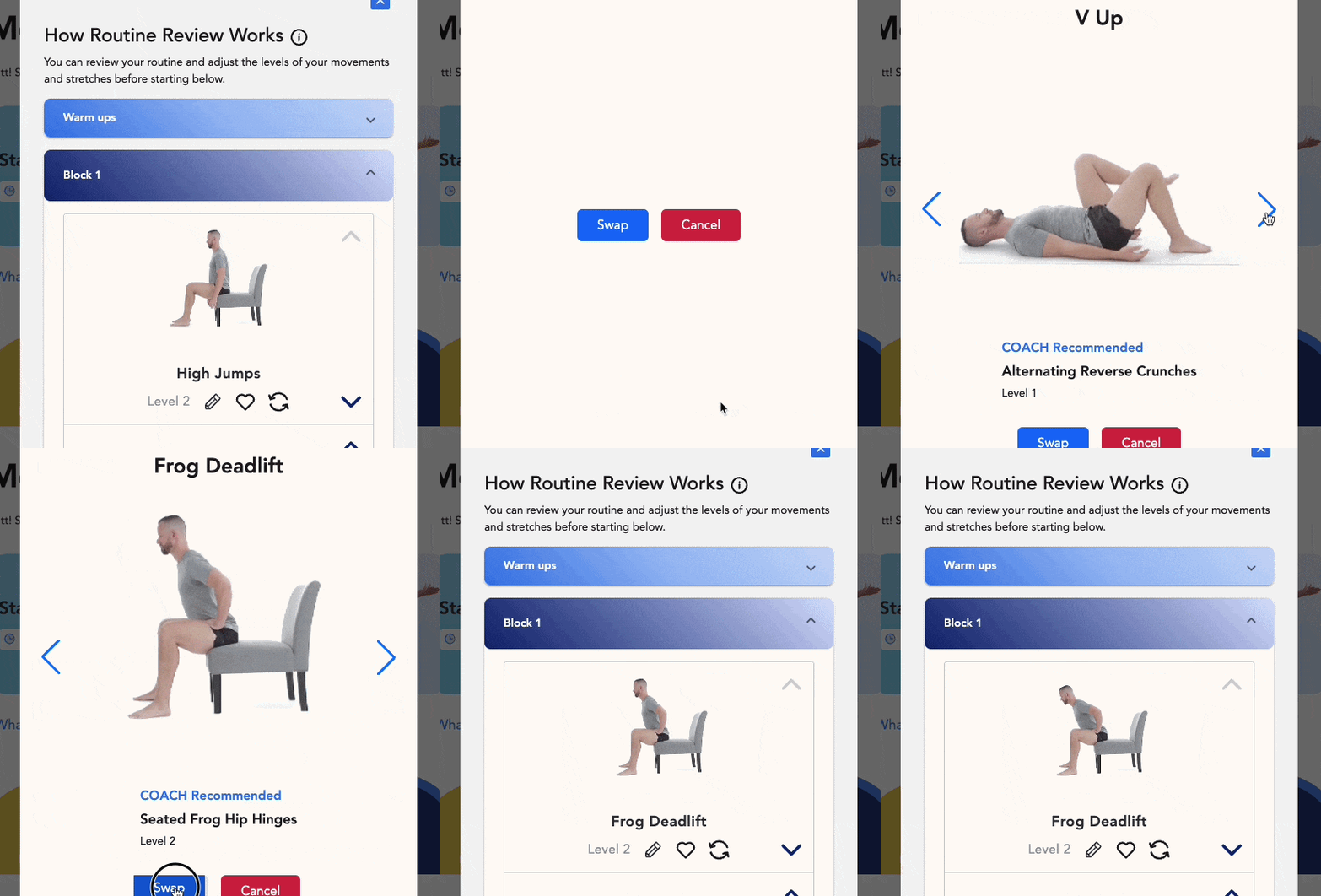
If you simply don’t want to do a particular movement that day, you can swap it out. C.O.A.C.H. will recommend several alternative options, or you can browse the movement library to find one you prefer.
You can make the same adjustments for your stretching routine as well.
What Happens During Your Workout
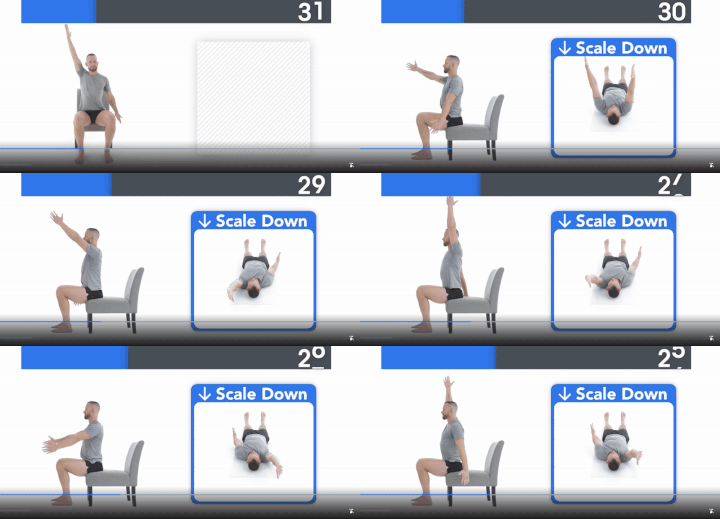
Once you start your session, the app guides you through each movement step by step.
On the screen you’ll see:
A demonstration of the movement
Clear instructions to help you maintain good form
Encouragement and coaching throughout the routine
The goal is to make each movement easy to follow while helping you feel confident doing it correctly.

Adjusting Your Workout in Real Time
One of the most unique parts of the WeShape system is that you can adjust your workout while you’re doing it.
After completing a movement, COACH will ask how it felt. You’ll have the option to:
Scale the movement down
Scale the movement up
Keep it the same
Your answer directly influences future routines. The next time you encounter that movement, it will already be adjusted to better match your needs.
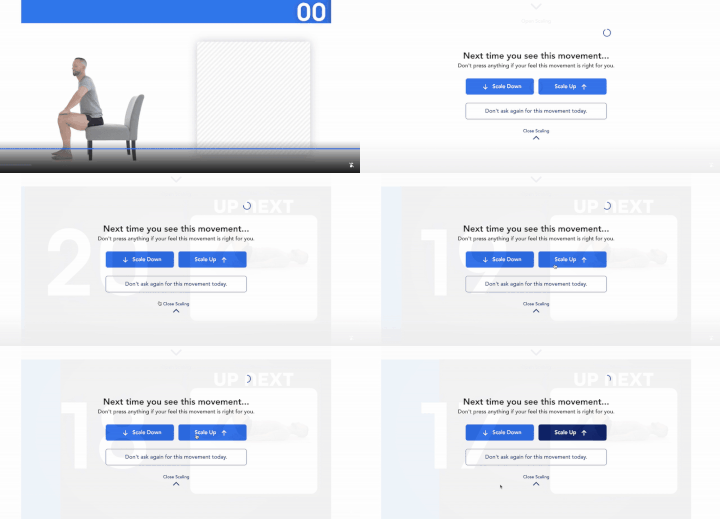
This allows your program to continuously adapt as your body changes.
Stretching Sessions
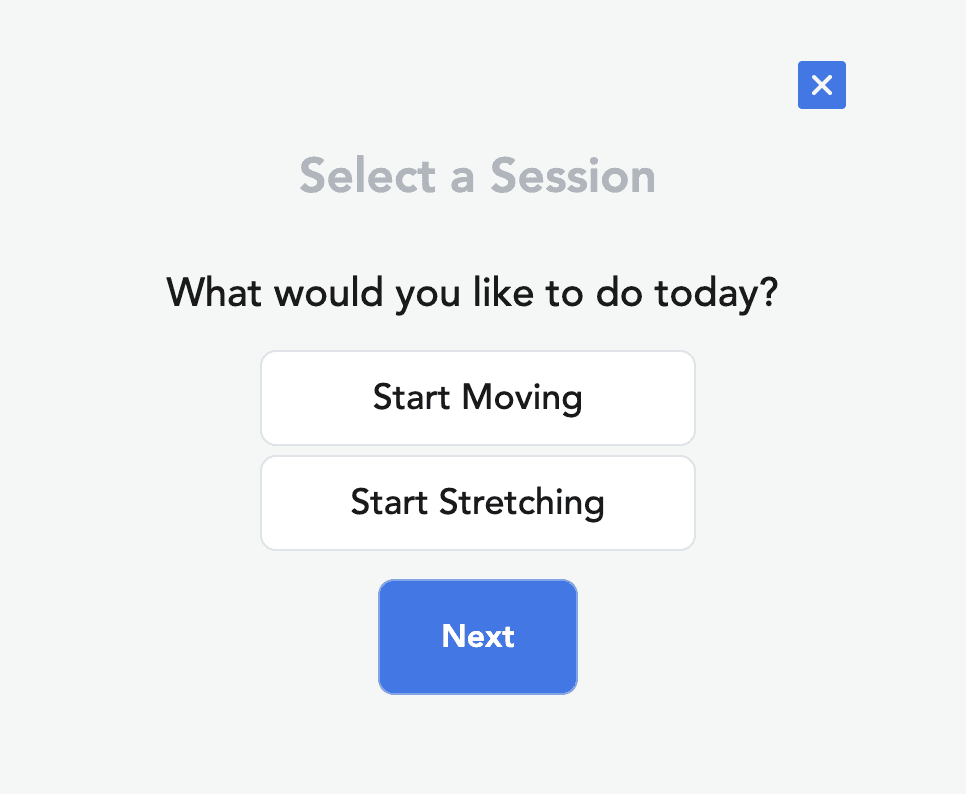
If you’d prefer a gentler day, you can start a stretching session instead of a movement routine.
Simply select Start Stretching rather than Start Moving, and C.O.A.C.H. will build a session focused entirely on helping your body relax and restore.
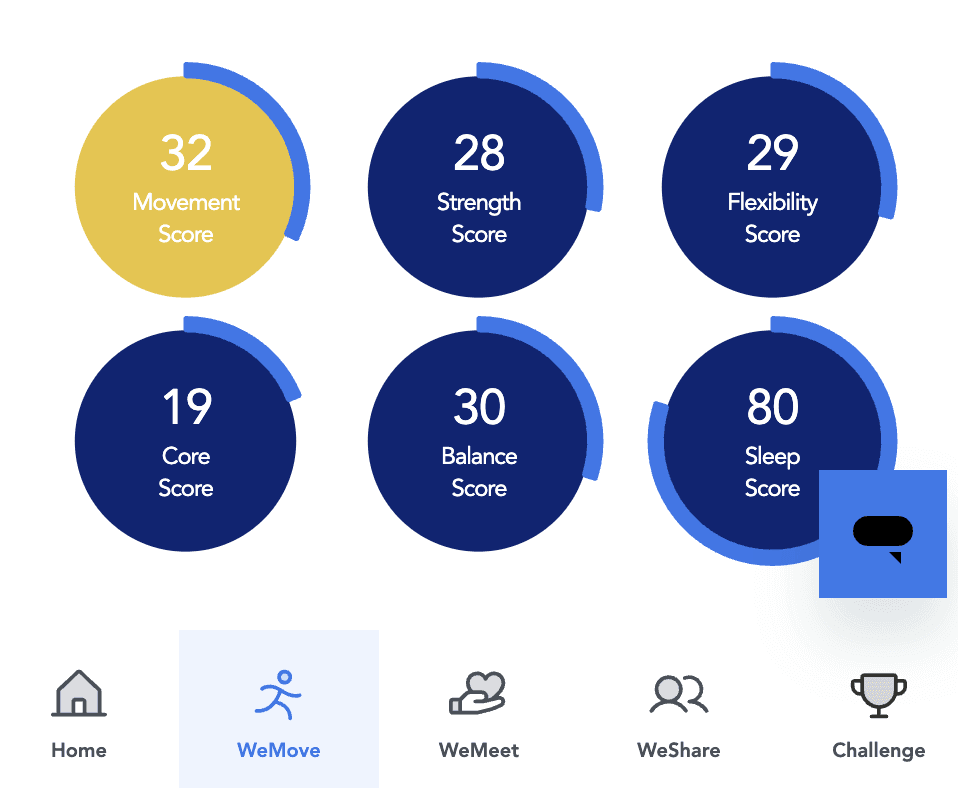
Tracking Your Movement Scores
Inside the WeMove section, you’ll also see your movement scores.
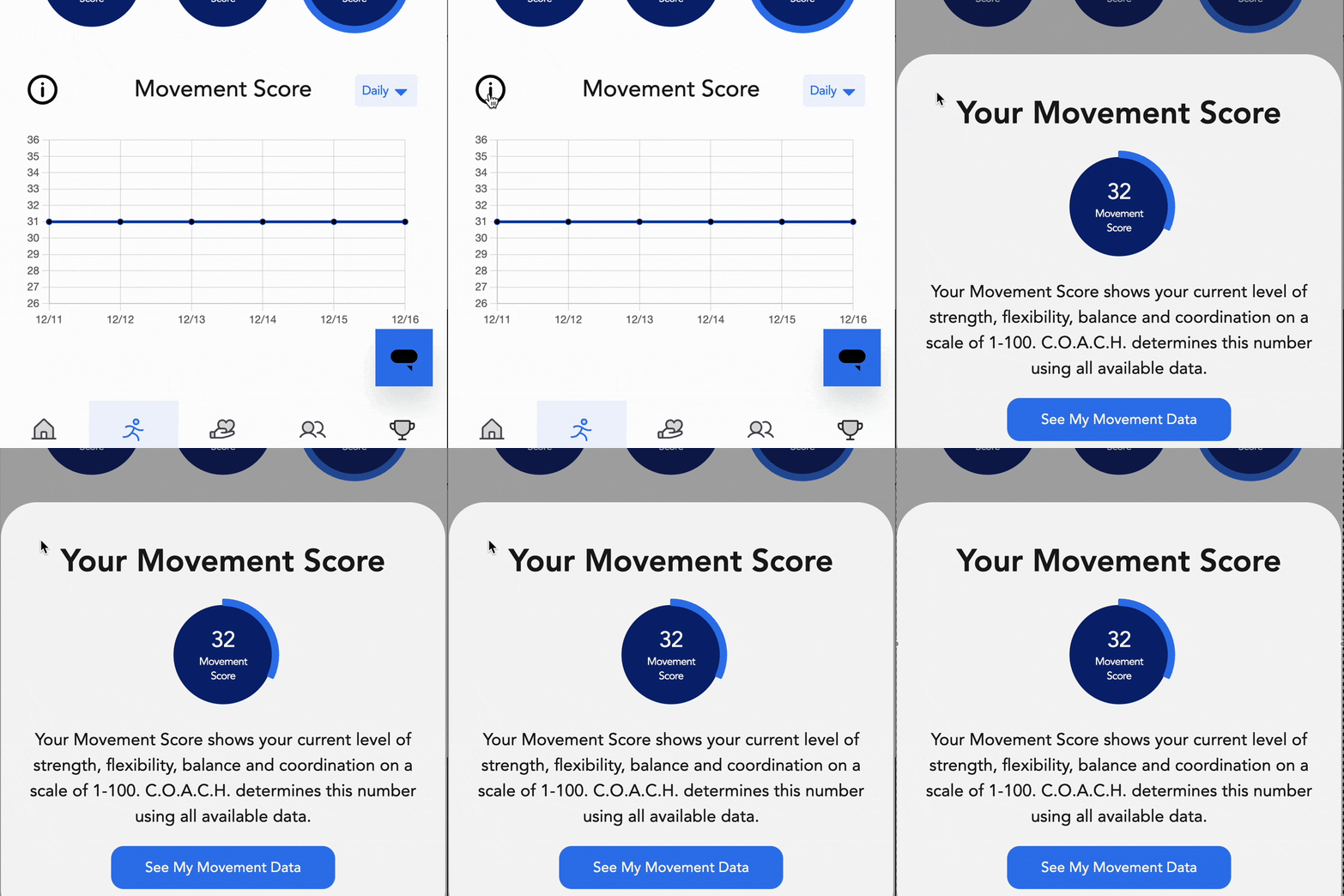
These include areas like:
Strength
Flexibility
Core
Balance
Sleep
Overall movement
These scores gradually improve as you continue using the program. They’re meant to show long-term progress rather than daily changes, so it’s best to simply check in occasionally and notice how they improve over time.
The WeMeet Tab: Live Coaching and Support

Another powerful part of WeShape is the live support available each week.
Inside the WeMeet tab you’ll find a calendar of live calls, including:
Q&A sessions with Coach Tyler
Coaching calls with Coach Kayson
Frequent sessions with Dr. Lisa
Guided meditations with Coach Divya
Body image coaching with Taylor Ashley
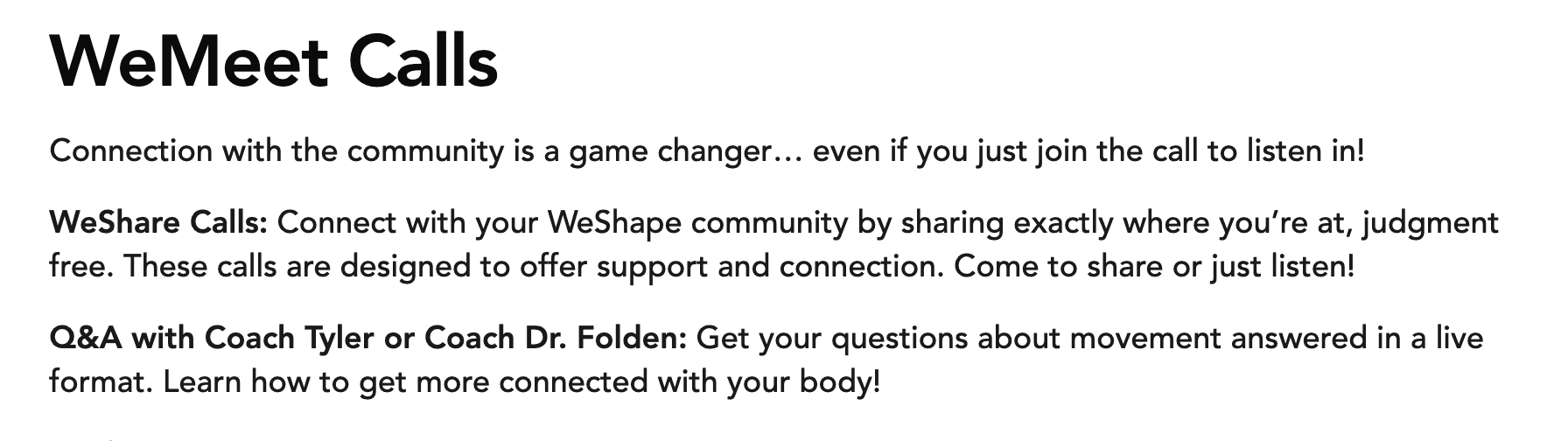
There are typically more than a dozen live calls each week, giving you the opportunity to ask questions, learn new tools, and connect directly with the coaching team.
The WeShare Tab: Community Support

Consistency is much easier when you feel supported.
Inside the WeShare tab, you’ll find the WeShape community wall where members share updates, encouragement, and experiences.
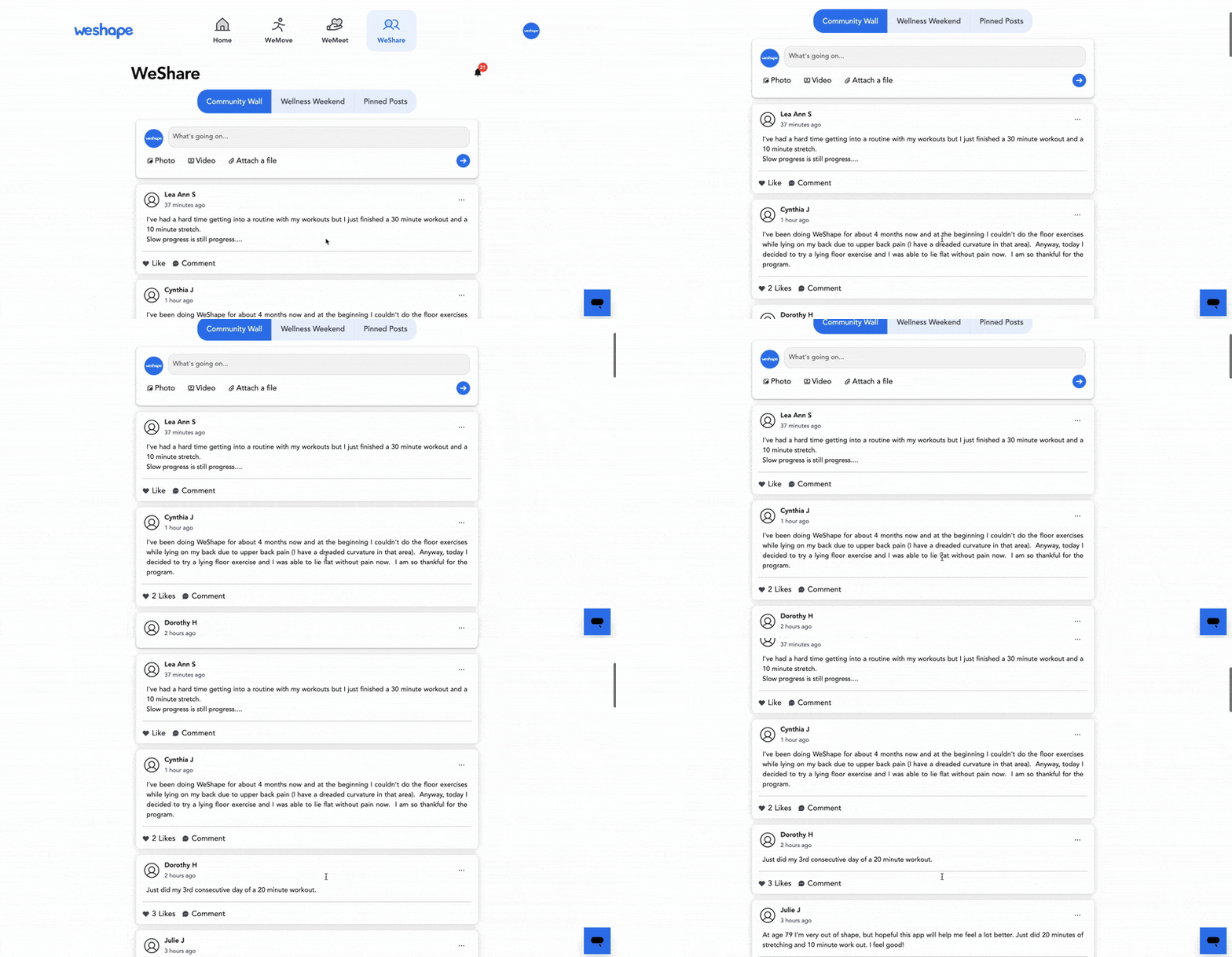
It’s an active space where people post frequently and support each other through their movement journeys.
Having a community around you can make a huge difference when it comes to staying consistent and feeling motivated.
Ready to Give WeShape a Try?
WeShape is designed to help you build a healthier relationship with movement while supporting your body at every step.
From personalized routines to live coaching and a supportive community, everything inside the app is built to help you feel better in your body.
And if you decide to give it a try, there’s a 30-day money-back guarantee. That means you can explore the platform and see how it feels without any risk.
If you do join, be sure to stop by the WeMeet calls and say hello. Coach Tyler would love to meet you and hear your questions.